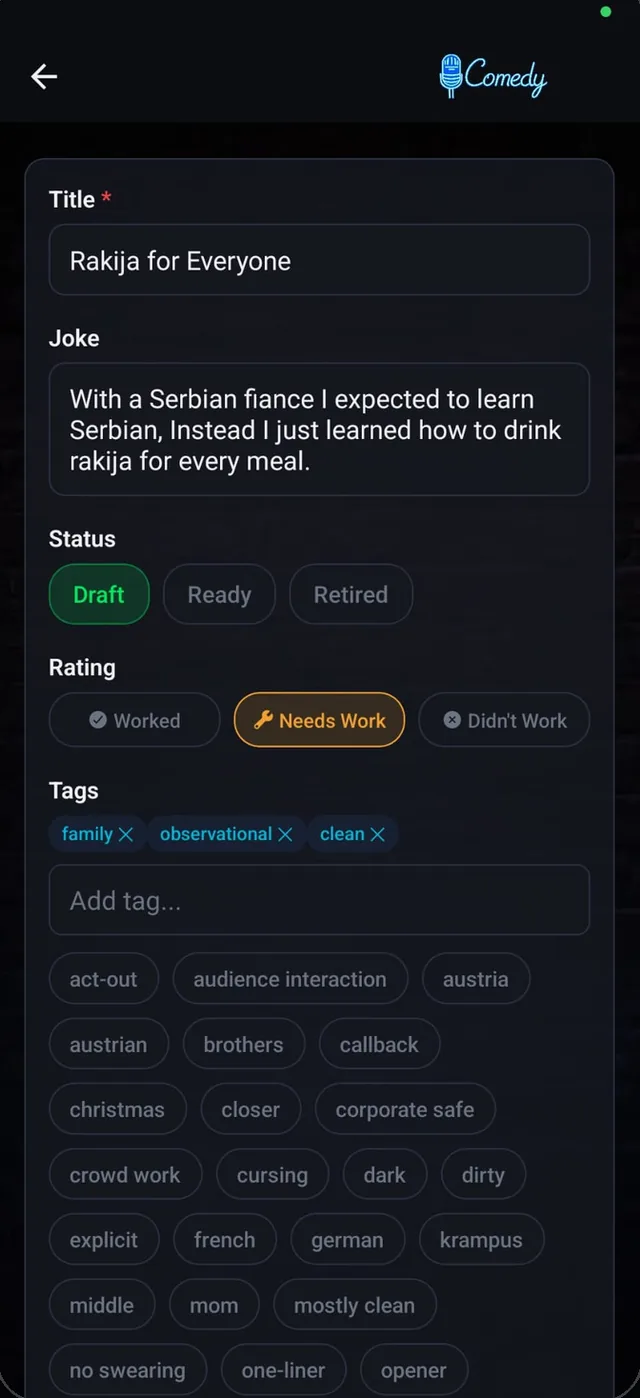
01 · Write
Every joke in one place.
A status from draft to ready, a rating after each show and tags, so it is clear which jokes work.
Apps · mobile and web
Besides websites I design and build apps, for the phone and for the browser: with the backend, the release and the updates after it. You work with one person the whole way.
MyStandApp live on Google Play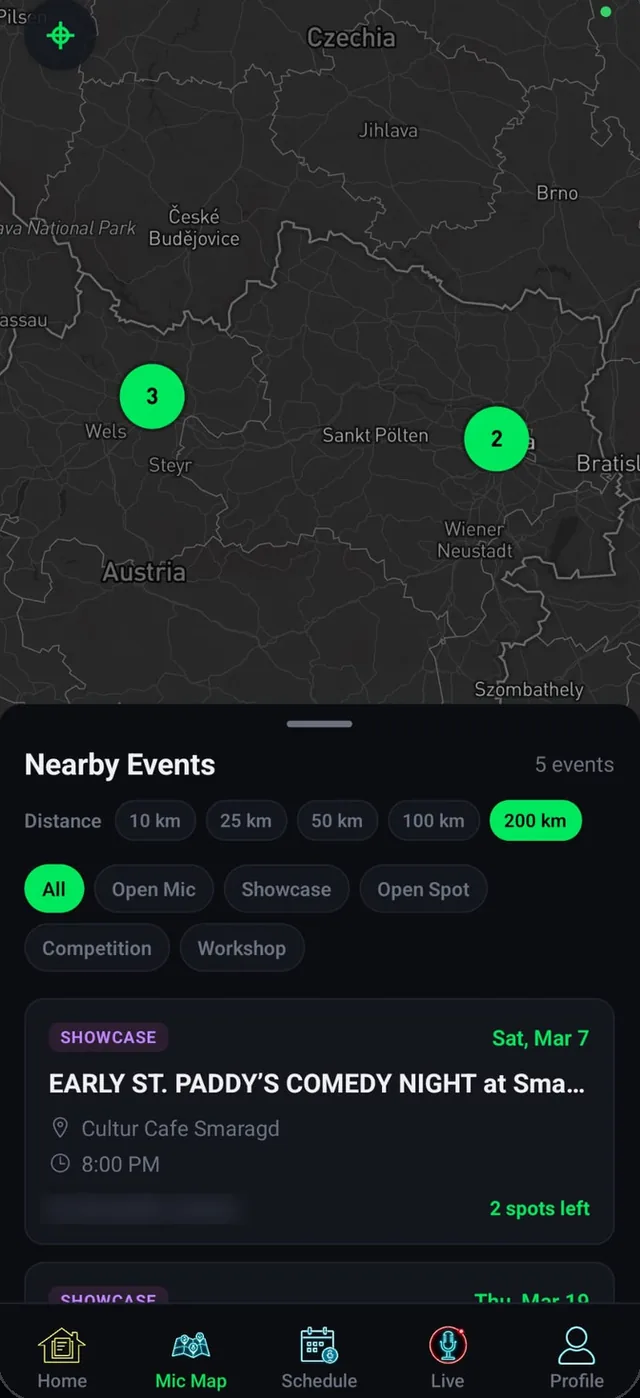
01 · Mobile app
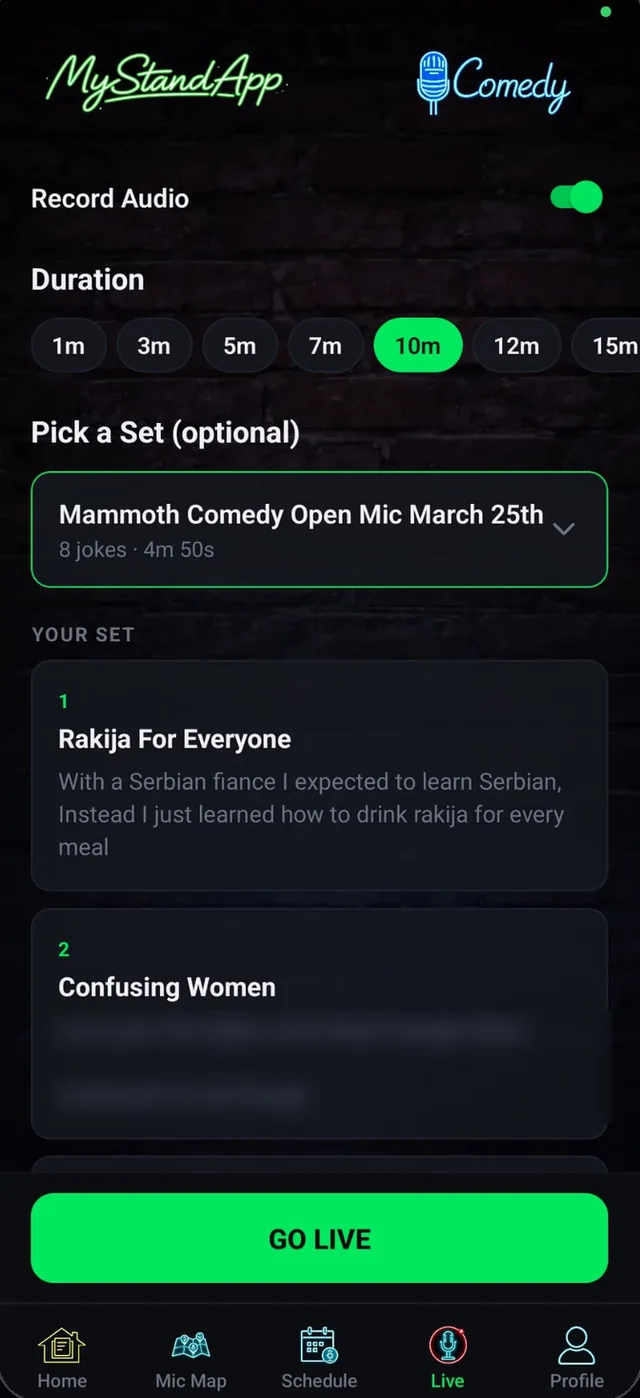
My own product, from the first sketch to the release on Google Play in October 2026. Comedians write and rate their jokes, build sets, time and record them on stage, and find the next open mic. Organizers run their shows in the same app.
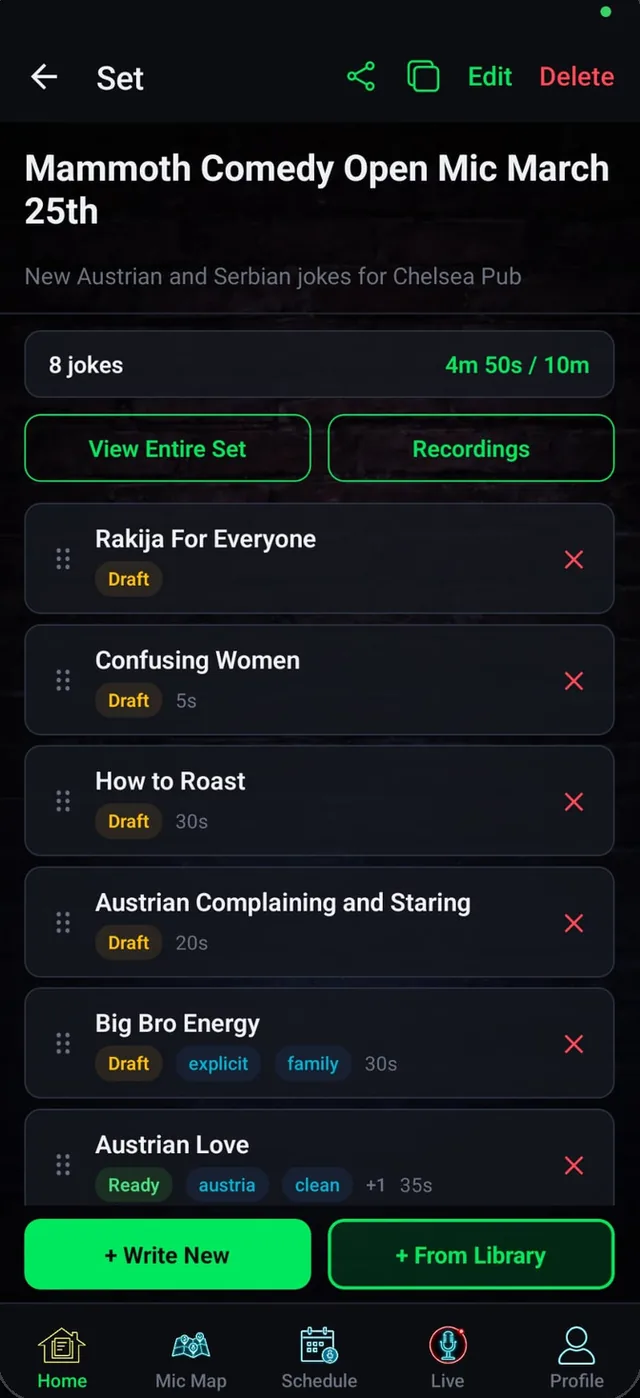
01 · Write
A status from draft to ready, a rating after each show and tags, so it is clear which jokes work.
02 · Build
Drag them into order and see the running time against the slot you were given.
03 · Perform
A large countdown that turns red when the time is up, and a recording of the set at the same time.
04 · Find
Open mics, showcases and competitions nearby, with sign-up in one tap. Organizers post their own shows and pick the lineup.
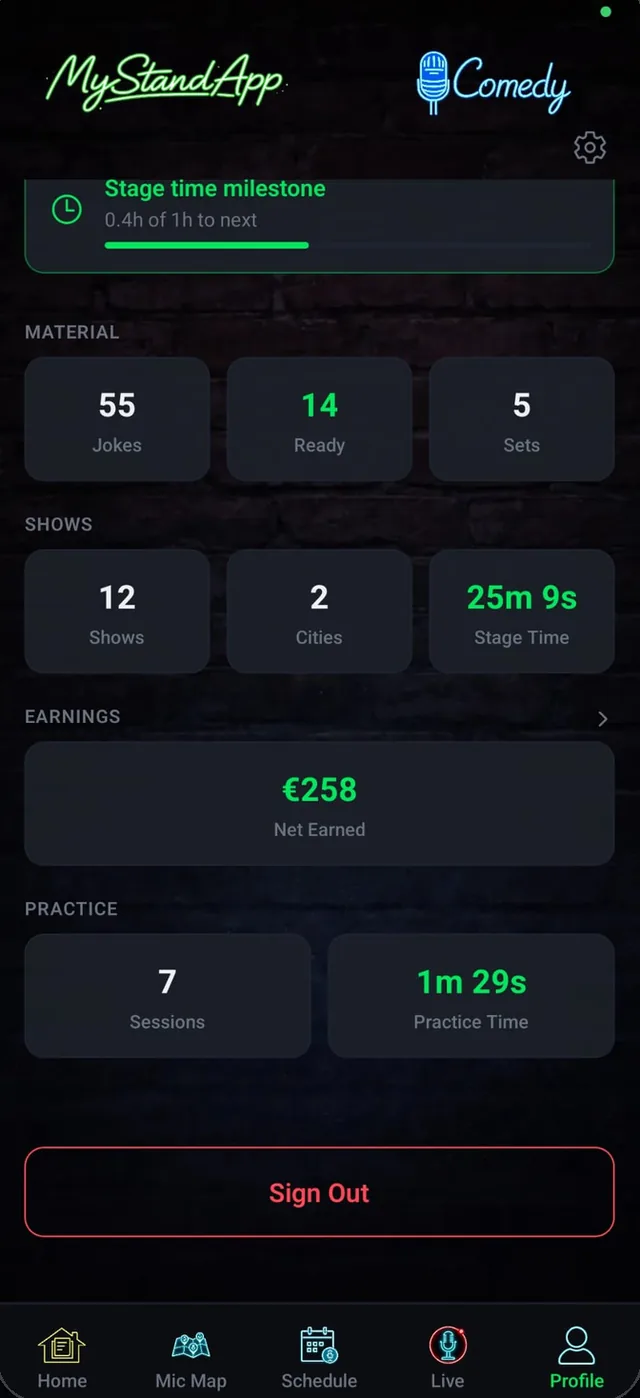
05 · Grow
Milestones and stats over the months, and an earnings report for every show, ready as a PDF.
Screens from the app’s Google Play listing.
Under the hood
Everything is saved on the phone first and syncs as soon as there is signal again. Try it: switch the signal off, and the app keeps working.
The database lives on the phone. The cloud is the backup, not the condition.
Jokes, notes and earnings are encrypted on the phone, with a key for each account, before they go to the cloud.
A recorded set turns into text on the phone itself, even without a connection.
02 · Web app
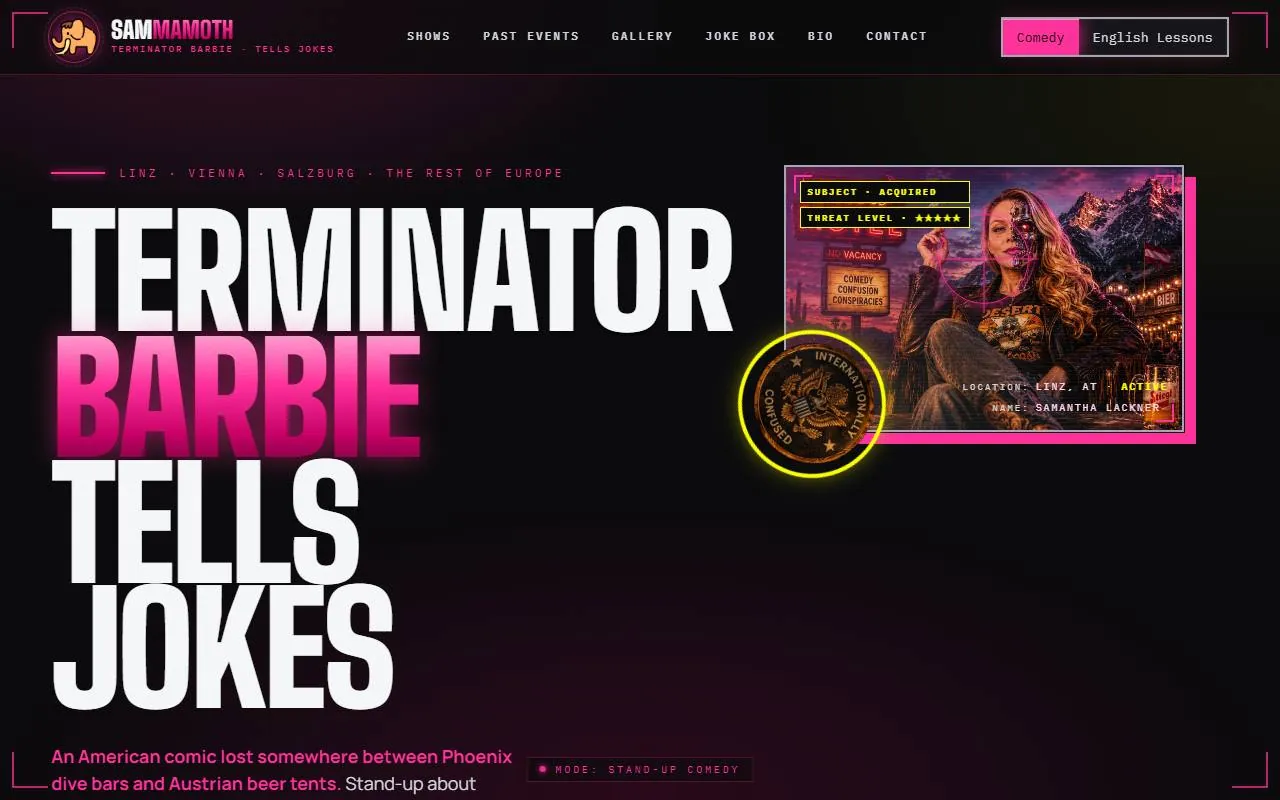
One admin for the websites I build for artists. Samantha Lackner adds a show on her phone, and it is on her site right away, marked up for Google as an event and ready to go to her fans by email.
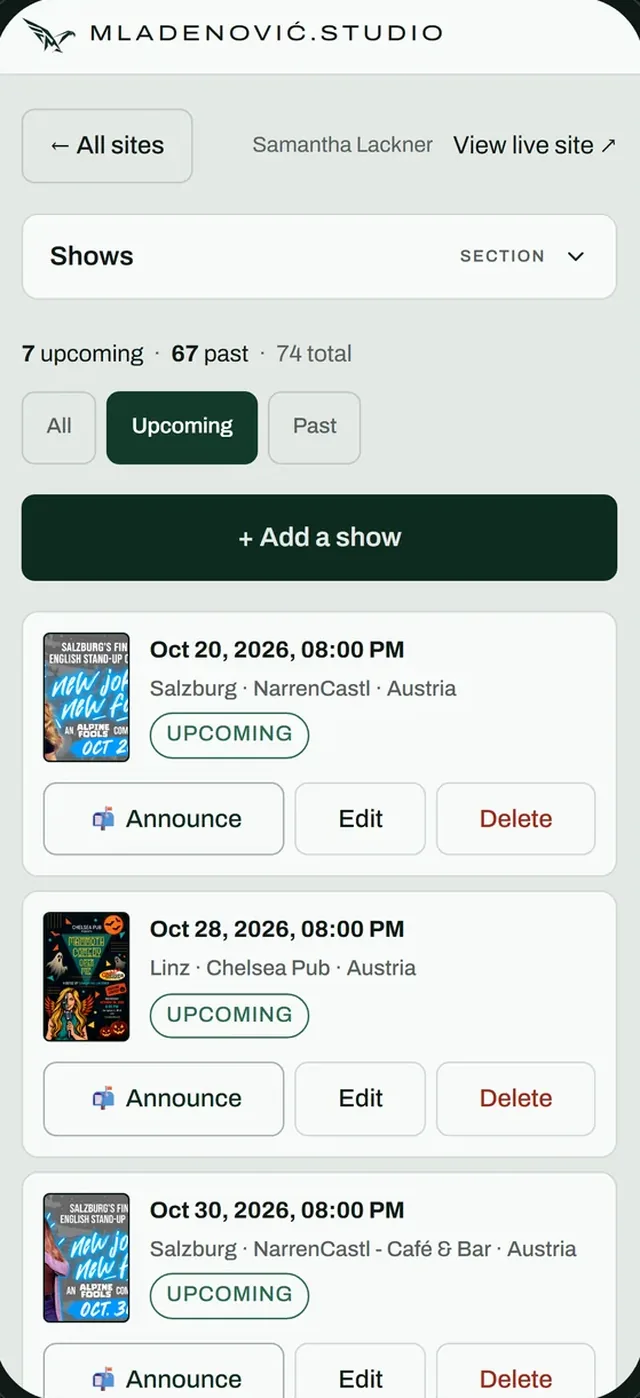
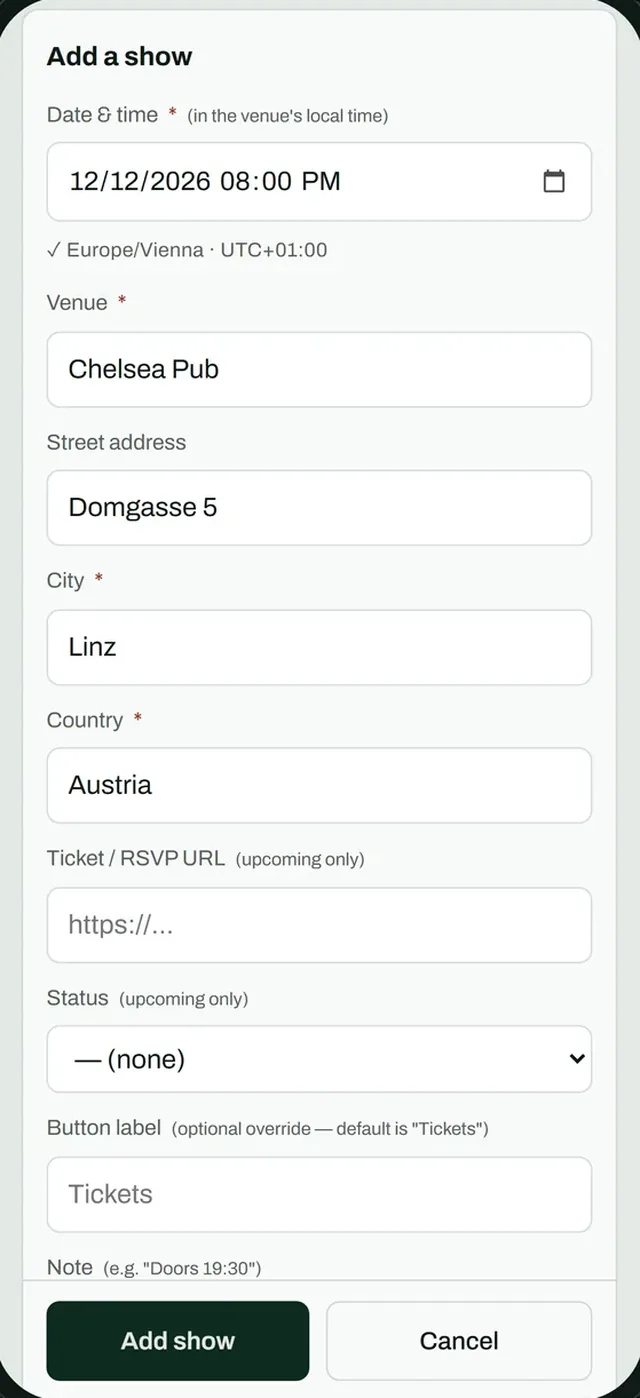
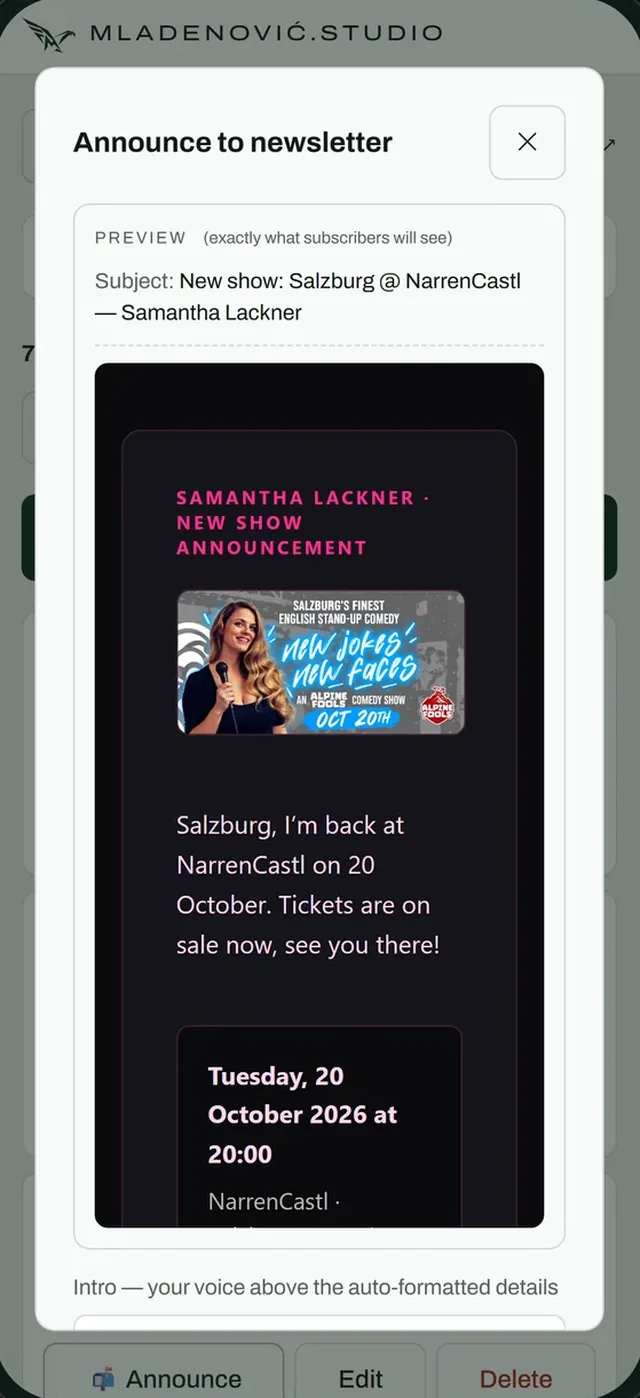
Samantha’s studio, with her real shows.
What I build
You talk to the person who writes the code, from the first call to the update after the launch. No hand-offs, and nothing gets lost on the way.
For Android and iPhone from one codebase, in React Native.
Admin areas, booking tools and dashboards that run in any browser.
Logins, databases, file storage and email, set up so every user sees only their own data.
Store listing, screenshots, privacy pages and Google’s review, until the app is live.
Updates, crash reports and new versions, so the app keeps working on every new phone and every new Android.
How we start
A few lines are enough: what it should do, who will use it and roughly when. The first call is free, and you get an answer within one working day.
Write to me